
Practice at your pace
Online lab access supports practice beyond the classroom. Confirm the access period for your course.
Build your understanding through practical work. Explore virtual labs for networking, firewalls and AWS, with real-world topologies and guided learning.
Online lab access supports practice beyond the classroom. Confirm the access period for your course.
Work through practical scenarios with step-by-step guidance from instructors.
Explore Cisco, firewall, server and cloud environments alongside the concepts you study.
Explore the topologies and cloud consoles below. Open any preview at full size to inspect its details.
Connect networking concepts to real-world scenarios and build your configuration skills.
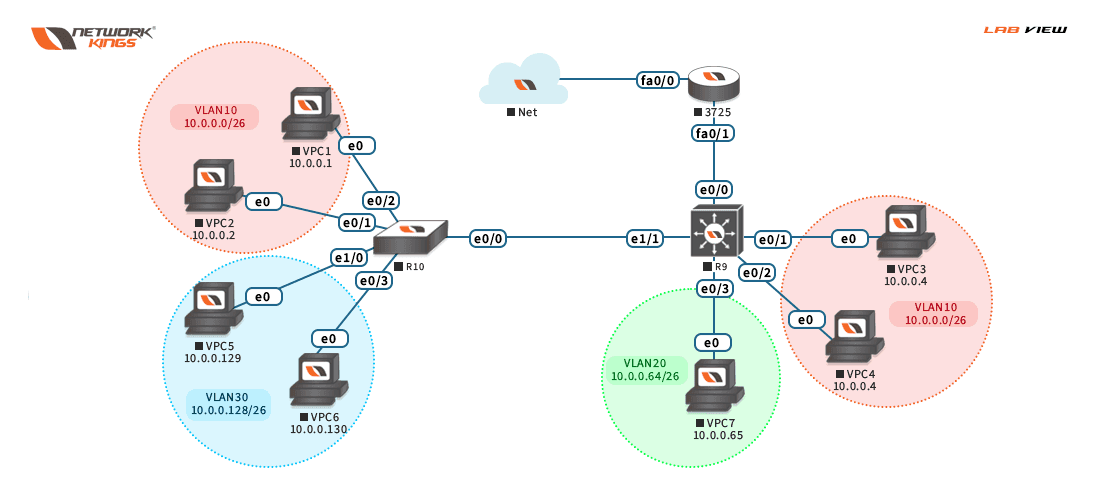
Develop a deeper understanding of network behavior through practical configuration work.
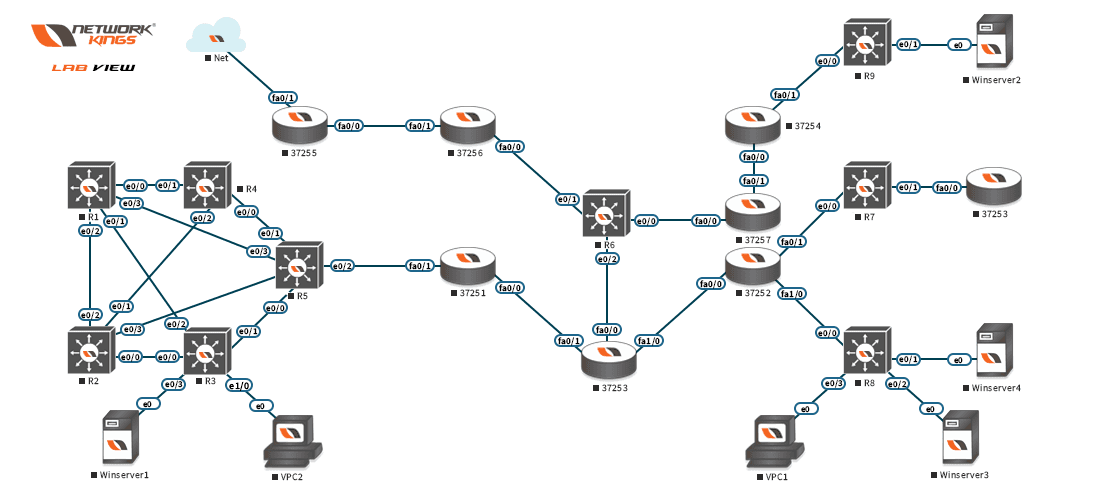
Explore firewall security in a practical environment, with instructor guidance during lab sessions.
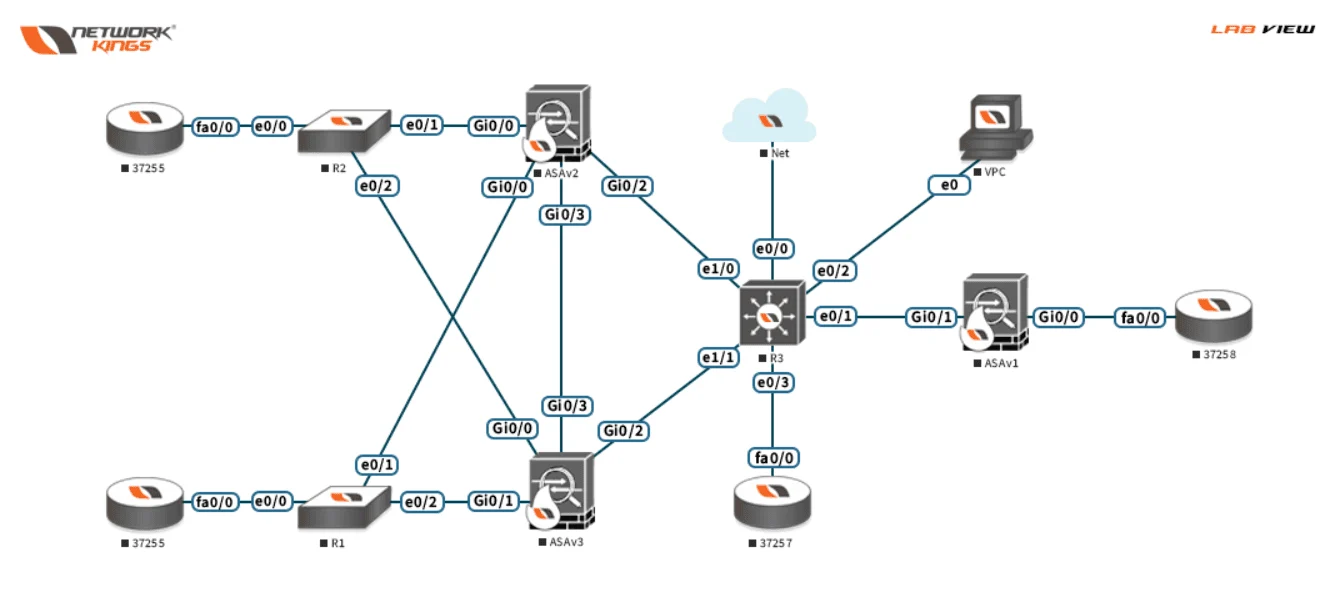
Practice firewall configuration, dynamic updates, licenses and zones in a connected topology.
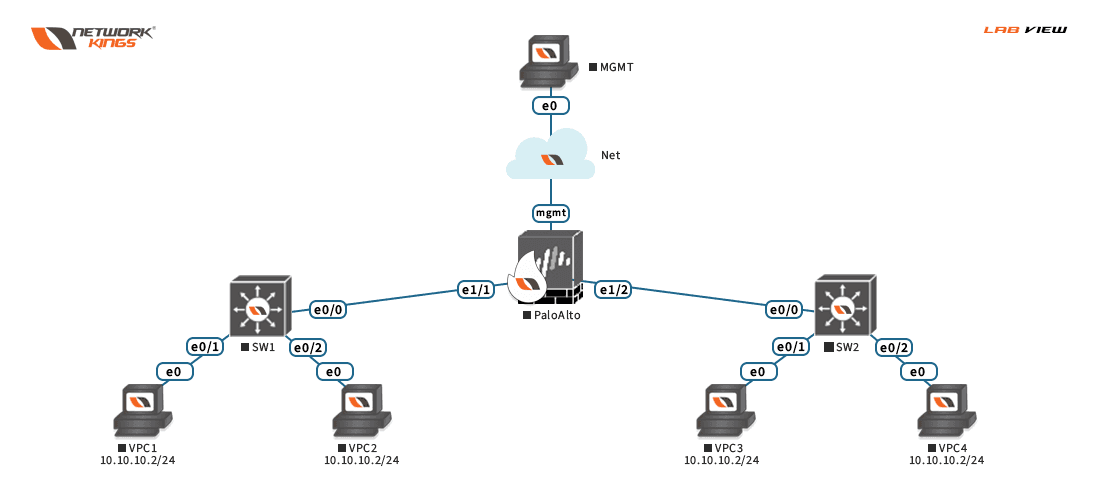
Explore the AWS environment as you learn to design scalable, highly available cloud architectures.
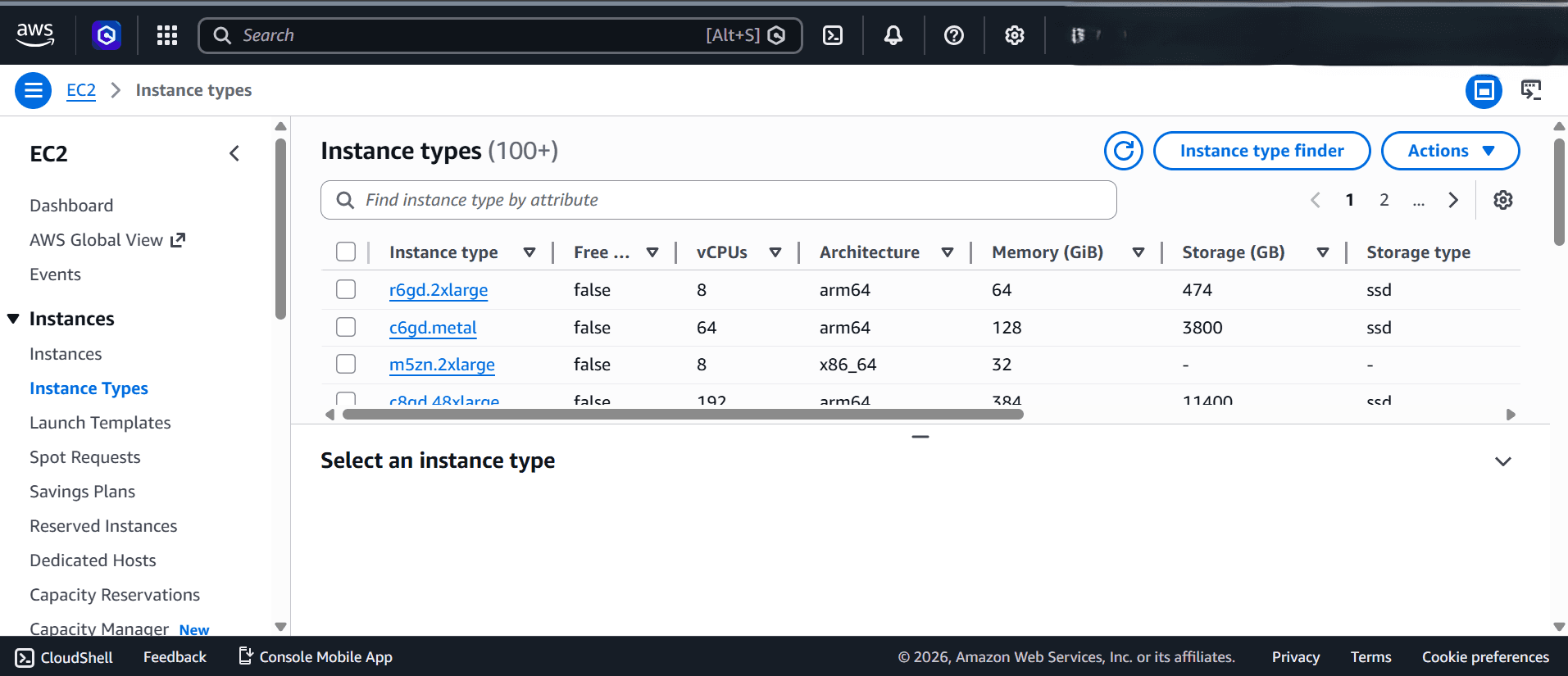
Build an understanding of complex cloud networking and connectivity through practical work.
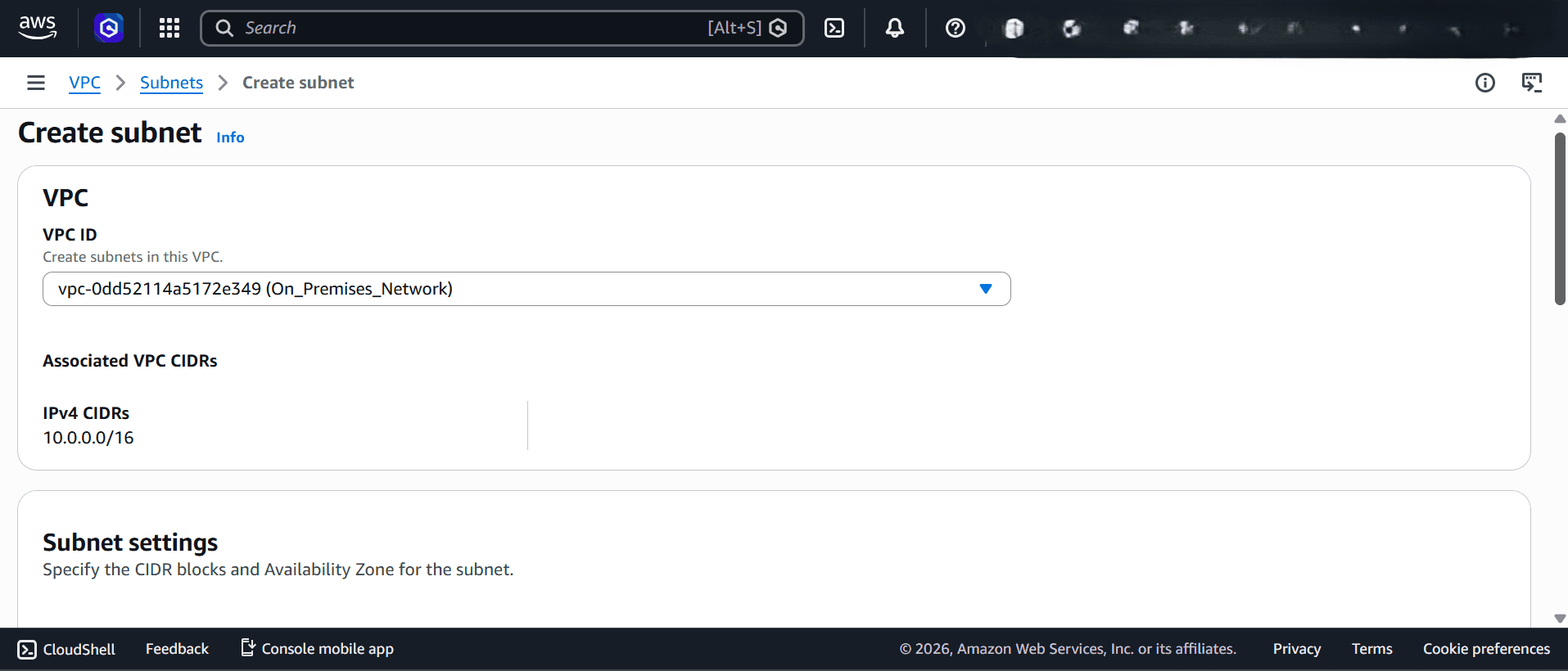
Put cloud security concepts into context through identity and threat-protection scenarios.
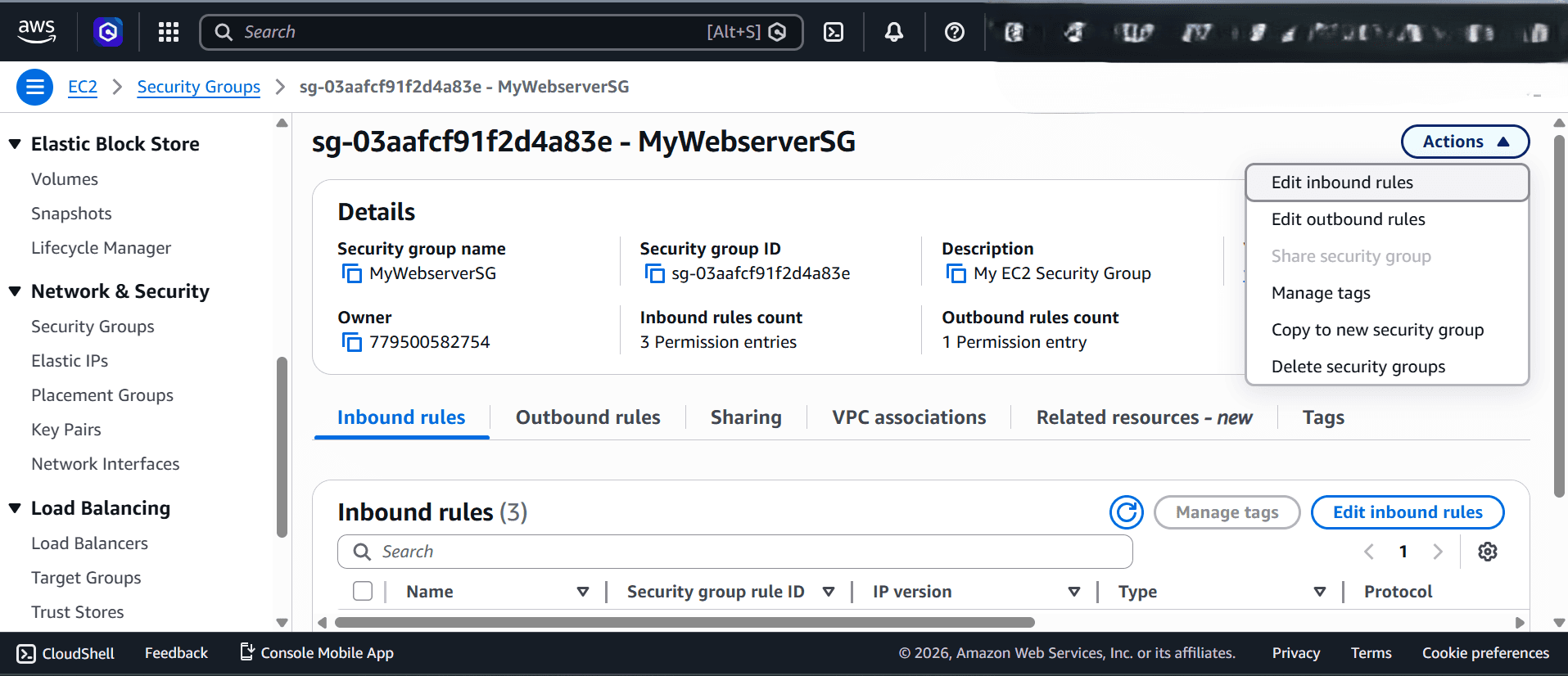
Work with connected systems, ask questions and understand what happens when you change a configuration.
Available features and support arrangements depend on the selected course and lab. Confirm the details with the team.
Cisco routers, switches, firewalls and virtual machines.
Expert help during practical lab sessions.
Environments for CCNA, CCNP, ASA, Palo Alto, Linux and AWS.
Track your practical work and return to your lab activities.
Cloud-hosted labs for Windows, macOS and Linux users.
Practice without installing a complete local lab environment.
The lab previews cover CCNA, CCNP, ASA firewall, Palo Alto firewall, AWS Solutions Architect, advanced networking and AWS Security Specialty. Ask the team which environment is available with your chosen course.
Contact the Network Kings team with the course you are interested in. Confirm the available environment, included access, access period and device requirements before enrolling.
Yes. Each preview has an Open full-size preview link that opens the original image in a new tab. These are examples of the lab environments, rather than an interactive lab session.
The lab offering includes instructor guidance for practical learning. Confirm the session schedule and support arrangements for your course with the team.